
The ultimate student browser extension.
Google Classroom looking like shit? School admins blocking everything? TaskTwin has you covered.
 TaskTwin
Core Features
Built to simplify student workflows, protect your eyesight, and bypass school network restrictions.
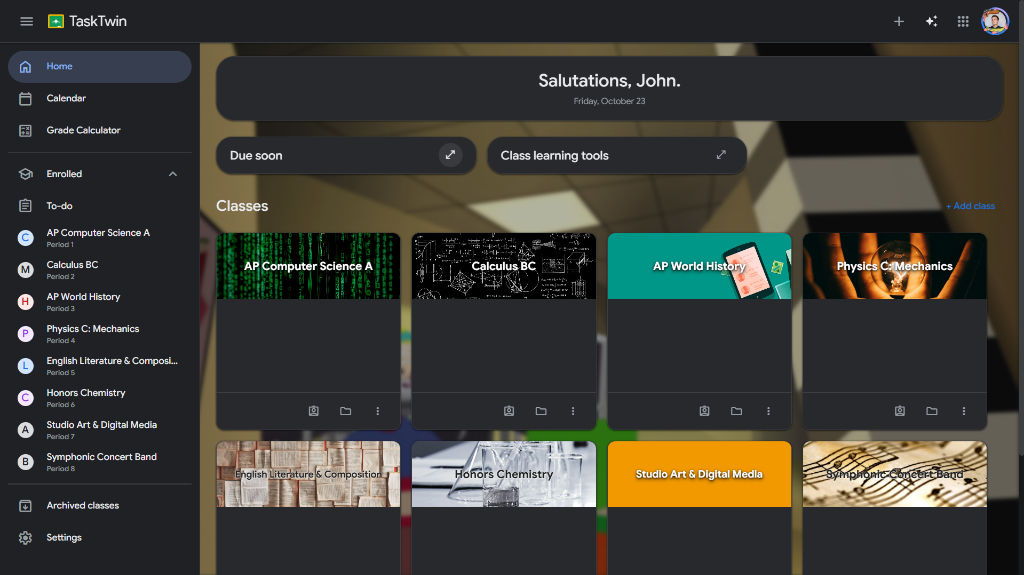
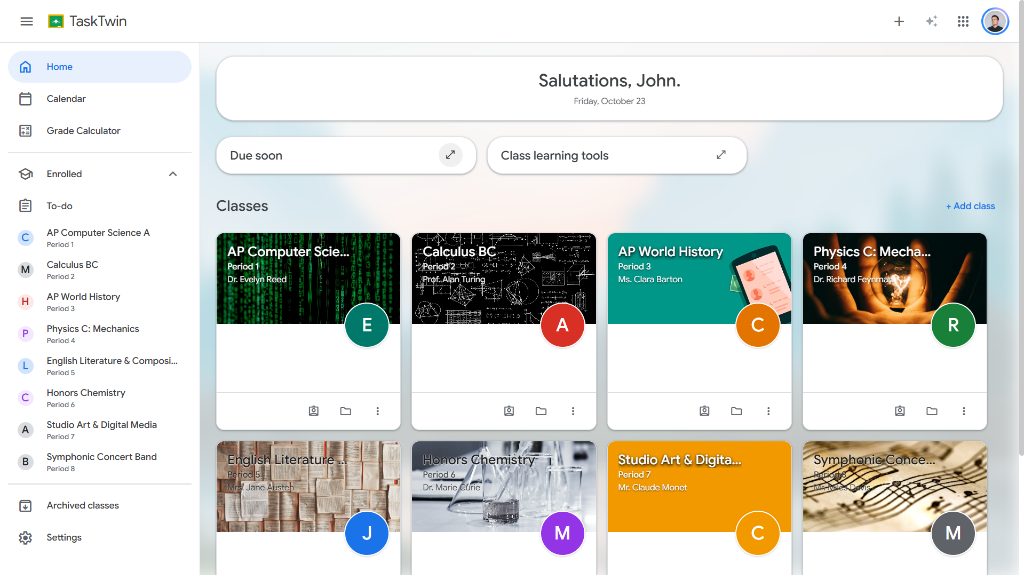
Google Classroom Tweaks
TaskTwin includes a set of customization tweaks and quality of life features for Google Classroom, to make your Google Classroom work for you.
Built-In Web Unblocker
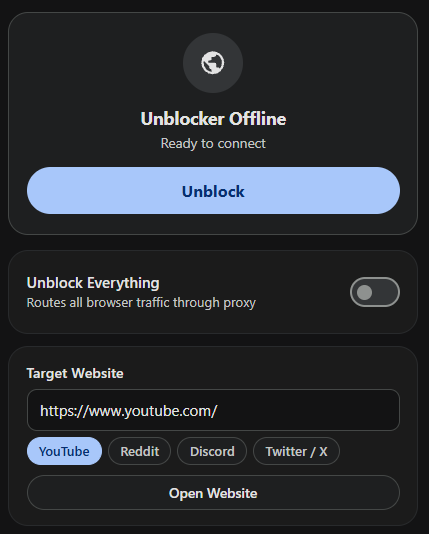
School doesn't want to let you play games? No problem. TaskTwin includes a built-in website unblocker so you can play whatever games you want.
AI Sidebar
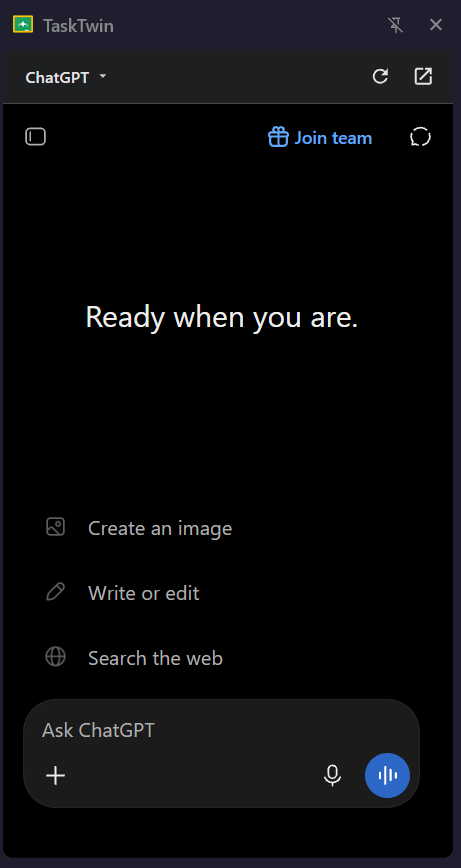
AI is a great tool, but it can get annoying having to repeatedly switch tabs. That's why TaskTwin includes an AI sidebar, so you can pull up your AI chats on the side while you work.
Frequently Asked
Everything you need to know about compatibility, permissions, and security.
What features are included in TaskTwin?
TaskTwin includes tweaks for Google Classroom, an AI sidebar, a website unblocker, and more.
When will TaskTwin be available?
TaskTwin is currently in active development. Previews and milestone releases will be announced as components are finalized.
Is TaskTwin safe and private?
Yes. TaskTwin runs entirely client-side on your device. It does not send your passwords, schoolwork, or browsing history to any remote third-party analytics servers.
Which browsers are supported?
TaskTwin is only planned to be supported on Chromium based browsers (Chrome, Edge, Opera, Brave, etc). Support for Firefox and other Gecko browsers may be added in the future.
TaskTwin is coming soon.
Development is actively in progress. Track milestones and upcoming release announcements.